Free Recipe Serving Size Calculator – Adjust Recipe Ingredients Easily
Have you found a recipe that serves four people but need to cook for six, eight or even twelve? Or perhaps you’re cooking for just one or two people and want to avoid preparing too much food?
Our free Recipe Serving Size Calculator makes it easy to adjust recipe ingredients for any number of servings.
Simply enter how many people the original recipe serves, choose your required number of portions and add your ingredients. The calculator works out the new quantities automatically.
Whether you’re preparing a family dinner, baking a cake, cooking for guests or reducing a recipe for one person, our online recipe serving size calculator helps you scale and plan the right ingredient quantities. Go To Calculator Now
What Is a Recipe Serving Size Calculator?
A Recipe Serving Size Calculator is a free online tool that adjusts ingredient quantities when you change the number of portions a recipe makes.
Most recipes are written for a particular number of people. However, the number of servings you need may be different. Read More…
How To Use
Enter the original number of servings, choose how many people they want to cook for, and add their recipe ingredients. The calculator automatically adjusts the quantities.
It includes ingredient scaling, UK measurements, a shopping list, copy and print functions, and mobile-friendly styling. Read More…
Recipe Serving Size Calculator
Adjust ingredient quantities for any number of servings
1. Choose Your Serving Sizes
Example: If your recipe serves 4 but you need to cook for 6, enter 4 and 6.
2. Enter Your Recipe Ingredients
Add each ingredient and its quantity from the original recipe.
Your Adjusted Recipe
| Ingredient | Original | New Quantity |
|---|
What Is a Recipe Serving Size Calculator? …Continued
For example, a recipe designed for four people might require:
- 400 g chicken
- 200 g rice
- 300 ml stock
- 100 g vegetables
If you want to prepare the same recipe for six people, the ingredients need to be increased proportionally.
Instead of calculating each ingredient separately, our calculator automatically works out the adjusted amounts.
It can be used to increase recipes for larger groups or reduce quantities when cooking for fewer people.
How to Use Our Recipe Serving Size Calculator …Continued
Using the calculator takes just a few simple steps.
Step 1: Enter the Original Number of Servings
Start by entering how many people the original recipe is designed to serve into the recipe serving size calculator.
For example, if your recipe states “Serves 4”, enter 4 in the original servings field.
Step 2: Enter Your Required Number of Servings
Next, enter how many portions you want to prepare.
If you’re cooking for six people, enter 6.
The calculator will use these two numbers to determine how much each ingredient needs to change.
Step 3: Add Your Recipe Ingredients
Enter the ingredients listed in your original recipe, together with their quantities and measurement units.
The calculator supports common cooking measurements, including:
- Grams (g) and kilograms (kg)
- Millilitres (ml) and litres
- Ounces (oz) and pounds (lb)
- Teaspoons (tsp) and tablespoons (tbsp)
- Cups
- Eggs
- Individual items
You can add as many ingredients as required.
Step 4: Calculate Your New Recipe Quantities
Click Calculate New Quantities.
The recipe serving size calculator will display the scaling factor, percentage change and adjusted quantity for each ingredient.
Step 5: Copy or Print Your Recipe
Once your recipe has been adjusted, you can copy the ingredient shopping list or print the results for use in your kitchen.
Recipe Serving Size Conversion Examples
The following table shows how ingredient quantities change when increasing or decreasing the number of servings.
| Original Servings | New Servings | Multiply Ingredients By | Adjustment |
|---|---|---|---|
| 4 | 2 | 0.5 | Reduce by 50% |
| 4 | 6 | 1.5 | Increase by 50% |
| 4 | 8 | 2 | Double the recipe |
| 6 | 3 | 0.5 | Reduce by 50% |
| 6 | 9 | 1.5 | Increase by 50% |
| 8 | 12 | 1.5 | Increase by 50% |
| 10 | 5 | 0.5 | Reduce by 50% |
These calculations work for most standard recipe ingredients, although some aspects of cooking may require additional adjustments.
How Do You Calculate Recipe Serving Sizes?
The basic formula for scaling a recipe is:
Recipe Scaling Factor = Required Servings ÷ Original Servings
You then multiply each ingredient quantity by the scaling factor.
Example: Increasing a Recipe from 4 to 6 Servings
Suppose your original recipe serves four people and requires:
- 400 g chicken
- 200 g rice
- 300 ml stock
- 150 g vegetables
You want to cook for six people.
First, calculate the scaling factor:
6 ÷ 4 = 1.5
Multiply every ingredient by 1.5.
Your new ingredient quantities become:
| Ingredient | Original Quantity | New Quantity |
|---|---|---|
| Chicken | 400 g | 600 g |
| Rice | 200 g | 300 g |
| Stock | 300 ml | 450 ml |
| Vegetables | 150 g | 225 g |
This produces approximately six portions of the same recipe, assuming the original serving sizes are appropriate.
Our calculator performs these calculations automatically.
How to Double a Recipe
Doubling a recipe is useful when cooking for a larger family, entertaining guests or preparing meals in advance.
To double a recipe, multiply every ingredient by two.
For example:
- 250 g flour becomes 500 g
- 100 g butter becomes 200 g
- 2 eggs become 4 eggs
- 150 ml milk becomes 300 ml
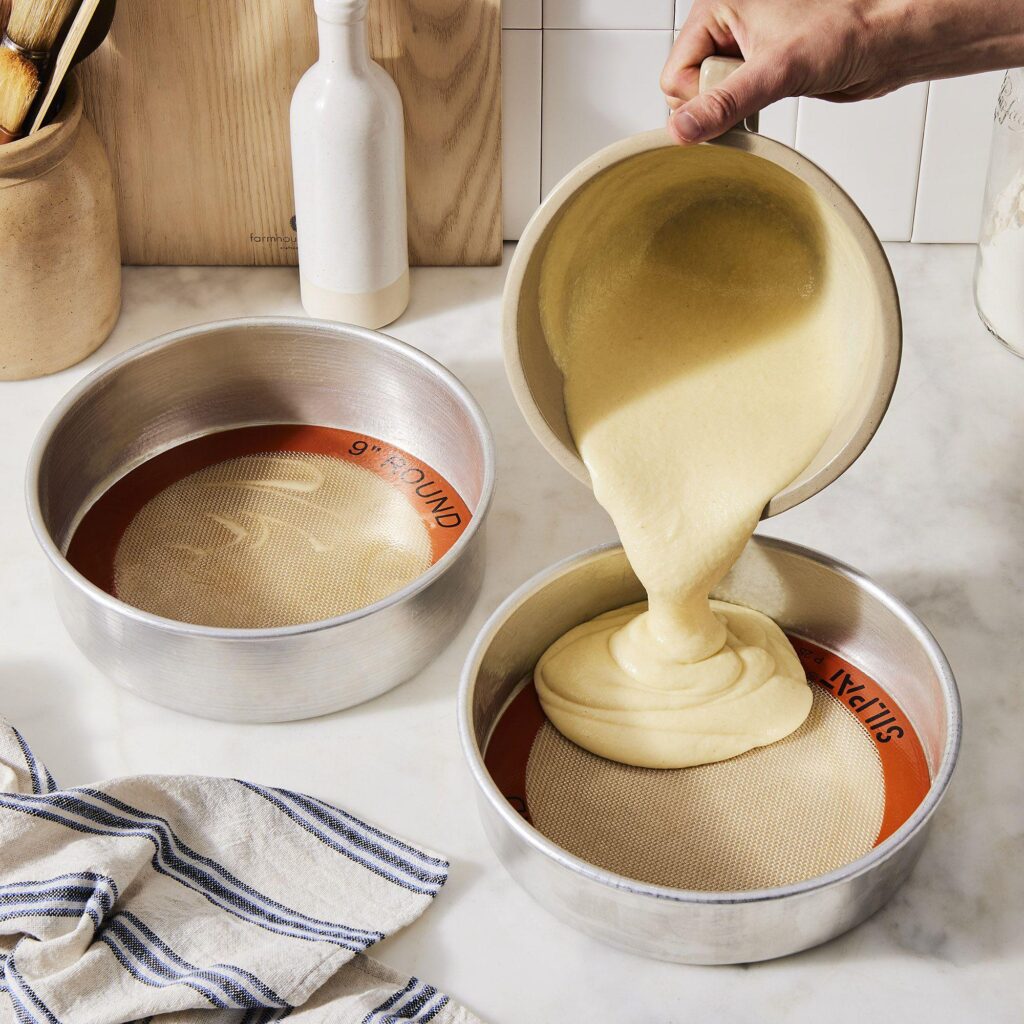
However, doubling the ingredients does not necessarily mean doubling the cooking time.
You may need a larger baking tin, a bigger saucepan or two separate cooking dishes.
Always check that your equipment can accommodate the increased quantity.
How to Halve a Recipe
Halving a recipe can be useful when cooking for one or two people or when you want to reduce food waste.
Simply divide each ingredient quantity by two.
For example:
- 400 g pasta becomes 200 g
- 200 g cheese becomes 100 g
- 300 ml cream becomes 150 ml
- 2 eggs become 1 egg
Some ingredients can be more difficult to divide accurately.
If a recipe requires three eggs and you halve it, the adjusted amount becomes 1.5 eggs.
For greater accuracy, beat the eggs together and measure the required portion by weight.
Does Changing Recipe Servings Affect Cooking Time?
Yes, changing recipe quantities can affect cooking time, but not always in a predictable way.
Increasing the number of servings does not mean you should automatically increase the cooking time by the same percentage.
Several factors can influence the cooking time.
Cooking Equipment
A larger quantity of food may require a bigger saucepan, roasting dish or baking tin.
Food Thickness
A thicker cake, casserole or joint of meat may take longer to cook than a thinner portion.
Oven Space
Cooking several dishes simultaneously may affect airflow and heat distribution.
Recipe Type
Some foods, such as pasta and vegetables, can often be cooked in larger quantities without major changes to their individual cooking times.
Other dishes, particularly cakes, roasts and baked desserts, may need closer monitoring.
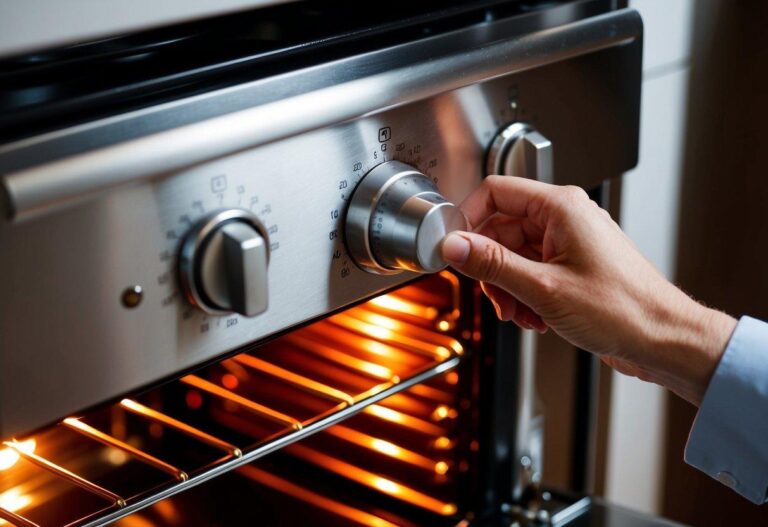
Important: Our Recipe Serving Size Calculator adjusts ingredient quantities, not cooking times or oven temperatures.
Tips for Scaling Recipes Successfully
1. Measure Ingredients Accurately
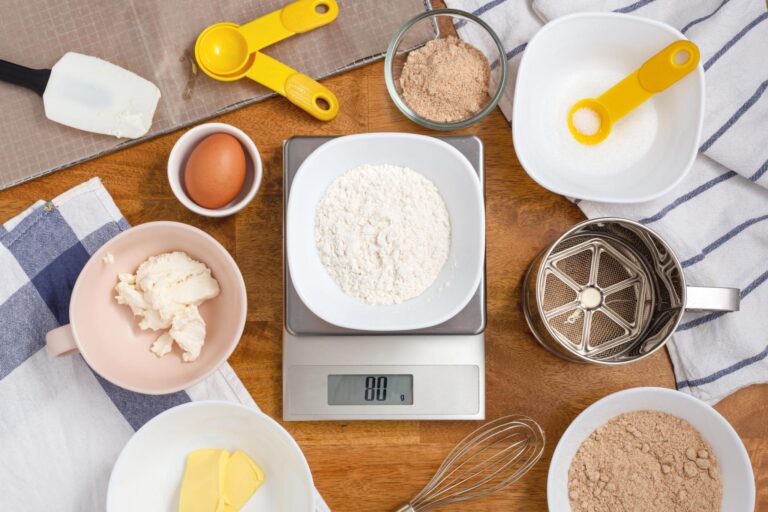
Using digital kitchen scales is particularly helpful when adjusting baking recipes.
Small measurement differences can affect the final result, especially when working with flour, sugar and raising agents.
2. Adjust Seasoning Carefully
Salt, pepper, herbs and spices do not always need to increase in exactly the same proportion as the main ingredients.
When scaling a recipe significantly, start cautiously and adjust seasoning to taste where safe and appropriate.
3. Check Your Cooking Equipment
Before increasing a recipe, make sure you have suitable pans, baking tins and oven space.
Overcrowding a pan can affect cooking performance.
4. Take Care with Baking Recipes
Cakes, bread and pastries can be sensitive to changes in ingredient ratios, tin size and baking conditions.
For baking, use accurate measurements and consider whether the recipe requires adjustments beyond simple ingredient scaling.
5. Consider Portion Sizes
Not everyone eats the same amount.
Children, adults and people with different appetites may require different portions.
Our calculator uses the serving sizes stated in your original recipe. It does not determine nutritional requirements or ideal portion sizes.
When Is a Recipe Scaling Calculator Useful?
A recipe serving size calculator or ingredient calculator can help with many everyday cooking situations.
Family meals: Increase recipes when more people are joining you for dinner.
Cooking for one or two: Reduce recipes originally designed for larger households.
Dinner parties: Work out ingredient quantities when preparing meals for guests.
Batch cooking: Increase ingredients when preparing several portions for later use.
Baking: Adjust ingredient quantities when making larger or smaller batches.
Reducing food waste: Prepare quantities that more closely match the number of people eating.
Frequently Asked Questions
Can I increase a recipe from 4 servings to 10?
Yes. Enter 4 as the original number of servings and 10 as the required number. The calculator multiplies each ingredient by 2.5.
Can I reduce a recipe to one serving?
Yes. Enter the original serving count and select 1 as the required number. The calculator adjusts the ingredient quantities proportionally.
Does the calculator work with grams and ounces?
Yes. You can enter ingredients using grams, kilograms, ounces, pounds and other common kitchen measurements. The calculator scales the quantities while retaining the original measurement units.
It does not convert between measurement units. For that, use our separate Recipe Conversion Calculator.
Can I use the calculator for baking?
Yes. the recipe serving size calculator can adjust ingredient quantities for cakes, biscuits, bread and other baked goods.
However, baking recipes may require additional changes to tin sizes, cooking times and raising agents.
Does doubling a recipe double the cooking time?
Not necessarily. Cooking time depends on factors such as the thickness of the food, cooking method, equipment and oven performance.
Can I calculate ingredients for a dinner party?
Yes. Enter the number of servings in the original recipe and the number of guests you intend to serve.
Remember to consider appetites, side dishes and whether you want leftovers.
Can I print my adjusted ingredient list?
Yes. After calculating the new quantities, use the Print Recipe option to print the adjusted ingredients.
Is the Recipe Serving Size Calculator free?
Yes. Calculator Central’s Recipe Serving Size Calculator is free to use, with no registration required.
More Free Cooking Calculators
Calculator Central offers other useful tools to help you plan meals and prepare recipes.
Recipe Conversion Calculator: Convert between common kitchen measurement units, including grams, ounces, millilitres and cups.
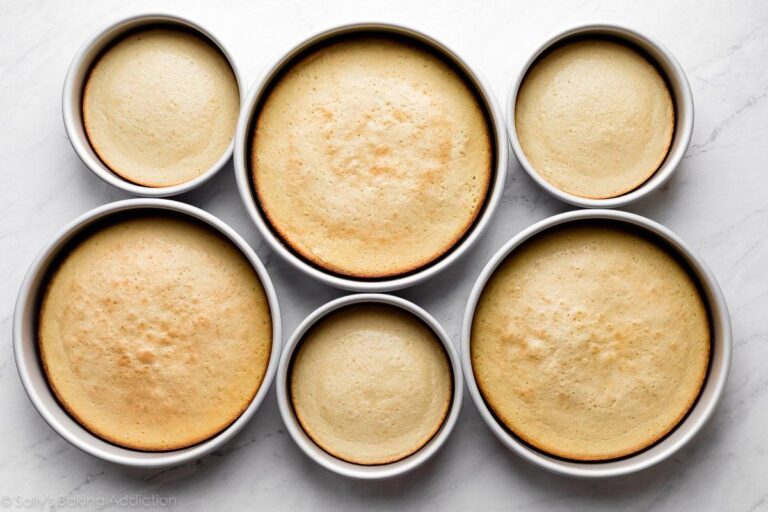
Cake Tin Size Converter: Calculate how much to adjust a cake recipe when using a different-sized baking tin.
Roast Dinner Quantity Calculator: Estimate the amount of meat, potatoes, vegetables, Yorkshire puddings and gravy needed for a Sunday roast.
Oven Temperature Converter: Convert between Celsius, Fahrenheit, fan oven temperatures and UK Gas Marks.
Air Fryer Cooking Time Calculator: Estimate air fryer cooking temperatures and times when adapting oven recipes.
Start Adjusting Your Recipes Today
Whether you’re cooking for two people or preparing a meal for a larger gathering, our free Recipe Serving Size Calculator helps take the arithmetic out of meal preparation.
Enter your original recipe quantities, select your required servings and calculate the adjusted ingredients in seconds.
Use the calculator above to plan your next meal.